

Planning a Bali trip soon? If you’re an Indian traveller, getting your e-Visa on Arrival is now much easier thanks to Indonesia’s official immigration portal evisa.imigrasi.go.id. Here’s a clear walkthrough so you can complete the process without any confusion.
Why Go for the e-VoA?
It saves time at the airport, avoids the long VOA queues, and gives you peace of mind before you fly. The visa is valid for 30 days and can be extended once for another 30.
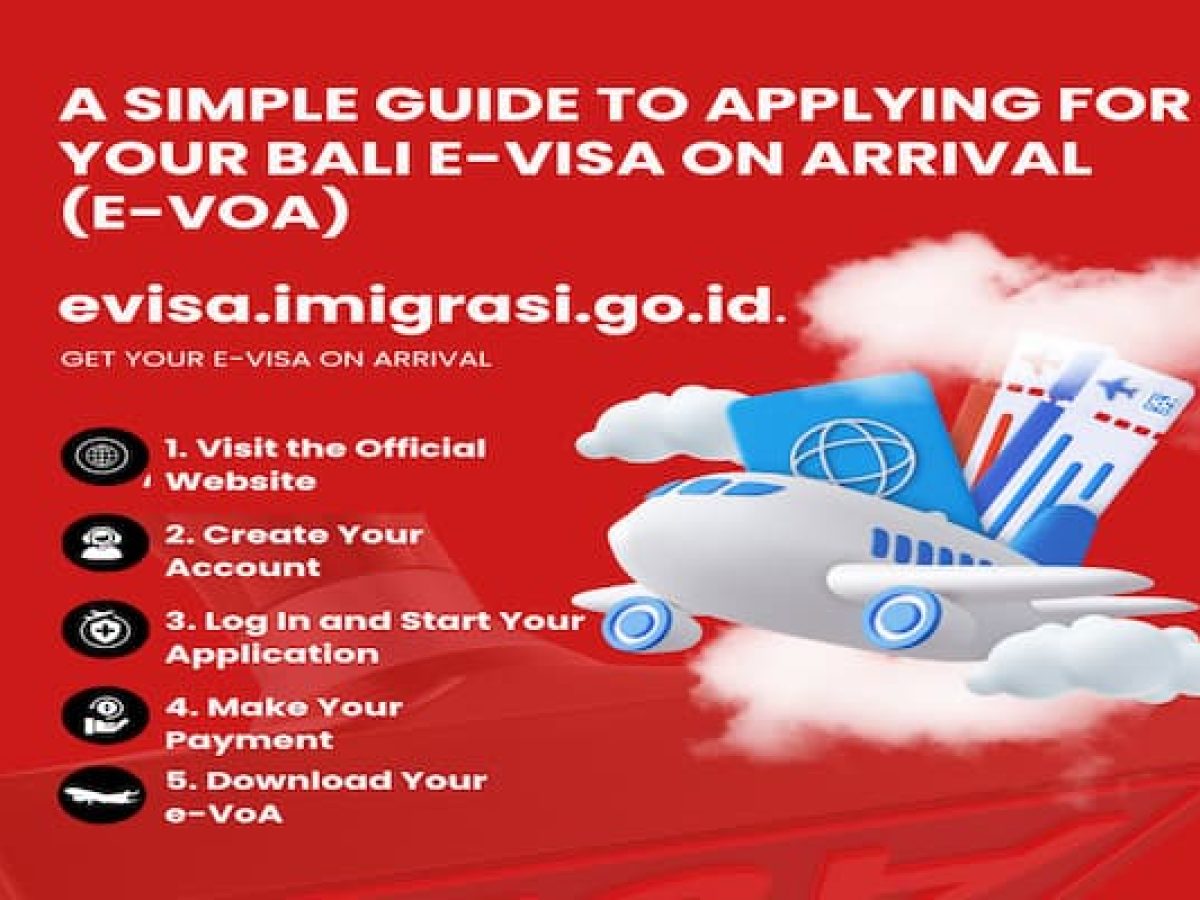
Step-by-Step Application Process
1. Visit the Official Website
Head to evisa.imigrasi.go.id. Go to the e-VoA or Visitor Visa section.
2. Create Your Account
Register with your name and email. You’ll need to upload:
- Passport biodata page
- A passport-style photo
You’ll receive a verification email. Activate your account to move ahead.
3. Log In and Start Your Application
After logging in, choose the Visa on Arrival option. Fill in your arrival details, hotel address, and upload:
- Passport scan
- Photo
- Return or onward ticket
4. Make Your Payment
The fee is 2,669INR and must be paid within 120 minutes of opening the payment page. You can use Visa, MasterCard, or JCB cards that support international and 3D Secure payments.
5. Download Your e-VoA
Once payment is successful, your e-VoA will be available in your account. Download it and keep a digital copy handy for immigration.
6. Arrival in Bali
When you land, show the e-VoA QR code at immigration. They’ll scan it and you’re good to go.
A Few Helpful Tips
- Apply at least 48 hours before your flight.
- Make sure your passport has six months of validity.
- The e-VoA can be extended online through the same portal.
- If you enter any details incorrectly, you’ll need to submit a new application.
Common Issues Travellers Face
Some users have reported login trouble, slow verification emails, or payment pages timing out. These usually resolve with a different browser, a stable connection, or retrying after a few hours.



Comment (0)